 Reply Lab
Never get left
on read again.
The AI keyboard that writes the perfect reply. Paste a message or drop in a screenshot, pick your vibe, send.
 Free to download · Pro unlocks more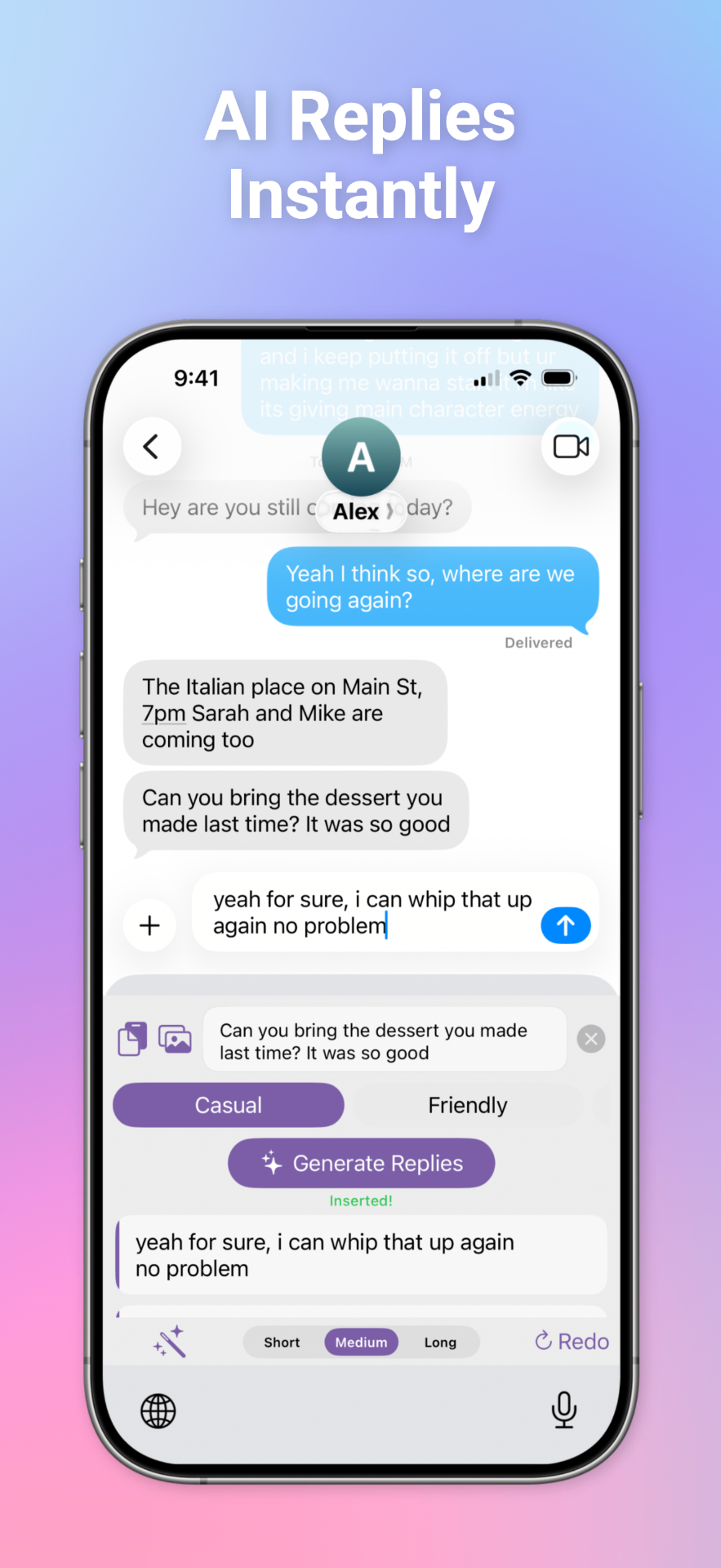
Three taps to the perfect reply.
No prompts. No copy-paste gymnastics. Just screenshot and send.
- 01
Copy or screenshot
Copy and paste a message, or select a screenshot — even multiple for long threads. Reply Lab reads the whole conversation.
- 02
Pick your vibe
Funny, flirty, professional, or a community mode made by someone with your exact energy.
- 03
Tap and send
Copy the reply that lands, or send it straight from the Reply Lab keyboard in any app.
Built for how you actually text.
Works in any app
It's a keyboard. iMessage, WhatsApp, Instagram DMs, Hinge, Slack — if you can type there, Reply Lab is there.
Multi-screenshot support
Paste a long thread across several screenshots. Reply Lab stitches the full context together before it writes.
Community modes
A marketplace of reply styles built by real users. Find your voice or ship your own signature mode.
Private by design
Your screenshots are processed for the reply and not sold, mined, or turned into an ad profile.
Your next reply is one screenshot away.
Free to download. Pro unlocks unlimited replies.